Option 1
Send the invoice from Shopify
Open the created draft in Shopify, review the order, and use Shopify’s invoice and checkout flow.
Included in Starter
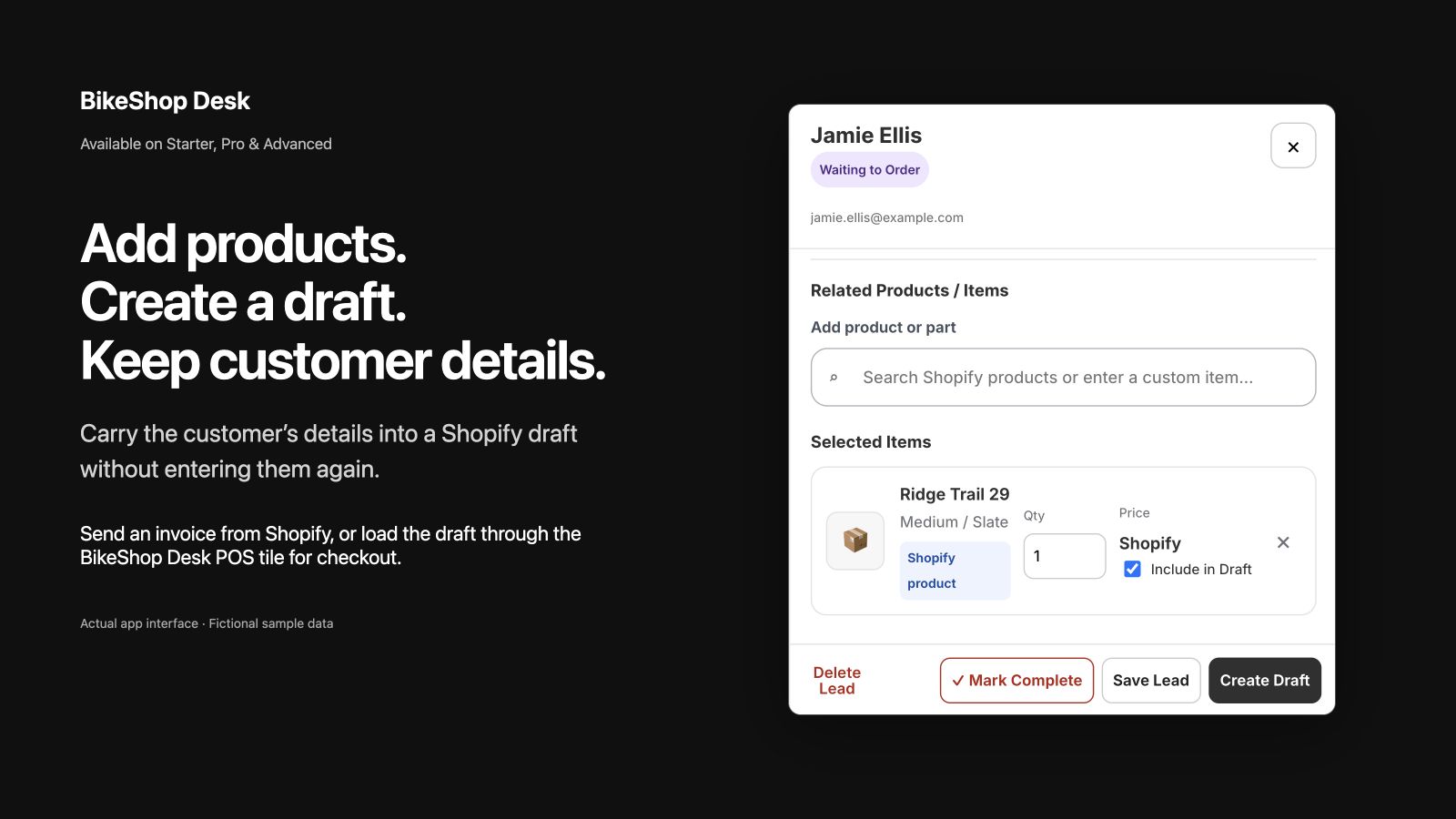
Keep the customer as a lead while you add notes, products, and follow-up. When they are ready, create a Shopify draft using the information BikeShop Desk already has.
Build the order in context
Search the Shopify catalog or add a custom item in the customer drawer. Choose what belongs in the draft, set quantities, and keep the record available while the customer decides.
Option 1
Open the created draft in Shopify, review the order, and use Shopify’s invoice and checkout flow.
Option 2
Use the BikeShop Desk POS tile to find the draft and load its supported items into the POS cart for an in-store checkout.
Shopify handles checkout
Draft orders, invoices, POS carts, taxes, discounts, and payment stay in Shopify. BikeShop Desk removes repeated entry and keeps the customer workflow connected to that checkout.
BikeShop Desk is currently under Shopify App Store review.
Ask about the checkout workflow